|
|
|
|
|
|

實例顯示C# for、foreach和while循環的速度比較
作者:admin 時間:2023-6-7 12:54:6 瀏覽:經常有人問“哪個循環更快?”,“哪個循環性能更高?” 等,我聽說 for 循環比 foreach 循環快,但我以前從未測試過。因此,我決定看看所有循環之間的差異有多大,以及在速度和性能方面哪個在數組和列表上更快。
創建跟蹤循環的類
我要找出最好的 C# 循環,為此,我將在 Visual Studio 2017 中創建一個控制臺應用程序。
首先,我將創建一個名為“CustomStopwatch”的類,它有助于跟蹤循環的開始和結束時間。
using System;
using System.Diagnostics;

namespace ConsoleApp2
{
    public class CustomStopwatch : Stopwatch
    {

        public DateTime? StartAt { get; private set; }
        public DateTime? EndAt { get; private set; }


        public void Start()
        {
            StartAt = DateTime.Now;

            base.Start();
        }

        public void Stop()
        {
            EndAt = DateTime.Now;

            base.Stop();
        }

        public void Reset()
        {
            StartAt = null;
            EndAt = null;

            base.Reset();
        }

        public void Restart()
        {
            StartAt = DateTime.Now;
            EndAt = null;

            base.Restart();
        }

    }
}
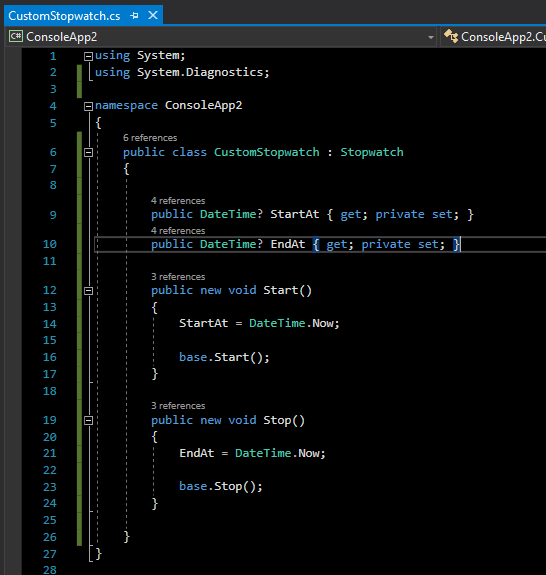
現在,在 Program.cs 類中編寫代碼。
for循環
首先,我要實現一個 for 循環:
- 單整數(Single integer)
- 數組(Array)
- 列舉(List)
using System;
using System.Linq;

namespace ConsoleApp2
{
    class Program
    {
        static void Main(string[] args)
        {
            CustomStopwatch sw = new CustomStopwatch();
            sw.Start();
            for (int i = 0; i < 10000; i++) Console.WriteLine(i);
            sw.Stop();

            CustomStopwatch sw1 = new CustomStopwatch();
            int[] array = Enumerable.Range(0, 10000).ToArray();
            sw1.Start();
            for (int i = 0; i < array.Length; i++) Console.WriteLine(array[i]);
            sw1.Stop();

            CustomStopwatch sw2 = new CustomStopwatch();
            var arrList = array.ToList();
            sw2.Start();
            for (int i = 0; i < arrList.Count; i++) Console.WriteLine(arrList[i]);
            sw2.Stop();

            Console.WriteLine($"for Time elapsed: {sw.ElapsedMilliseconds} Milliseconds, StartAt: {sw.StartAt.Value}, EndAt: {sw.EndAt.Value}");
            Console.WriteLine($"for on array Time elapsed: {sw1.ElapsedMilliseconds} Milliseconds, StartAt: {sw1.StartAt.Value}, EndAt: {sw1.EndAt.Value}");
            Console.WriteLine($"for on list Time elapsed: {sw2.ElapsedMilliseconds} Milliseconds, StartAt: {sw2.StartAt.Value}, EndAt: {sw2.EndAt.Value}");
            Console.ReadKey();
        }

    }
}
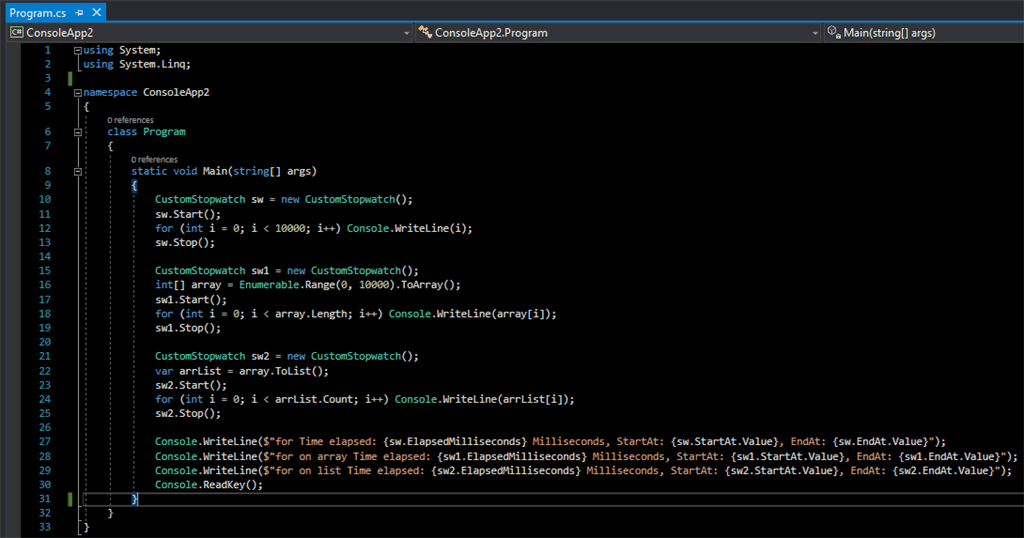
點擊圖片放大
運行腳本以查看輸出和執行時間(以毫秒為單位)。

根據輸出,列舉(List)中的 for 循環更快。
foreach循環
讓我們比較列舉(List)和數組(Array)上的 foreach 循環。
using System;
using System.Linq;

namespace ConsoleApp2
{
    class Program
    {
        static void Main(string[] args)
        {
            int[] array = Enumerable.Range(0, 10000).ToArray();
            var arrList = array.ToList();

            CustomStopwatch sw1 = new CustomStopwatch();
            sw1.Start();
            foreach (var arr in array) Console.WriteLine(arr);
            sw1.Stop();

            CustomStopwatch sw2 = new CustomStopwatch();
            sw2.Start();
            foreach (var arr in arrList) Console.WriteLine(arr);
            sw2.Stop();

            Console.Clear();
            Console.WriteLine($"for each on array Time elapsed: {sw1.ElapsedMilliseconds} Milliseconds, StartAt: {sw1.StartAt.Value}, EndAt: {sw1.EndAt.Value}");
            Console.WriteLine($"for each on list Time elapsed: {sw2.ElapsedMilliseconds} Milliseconds, StartAt: {sw2.StartAt.Value}, EndAt: {sw2.EndAt.Value}");
            Console.ReadKey();
        }
    }
}
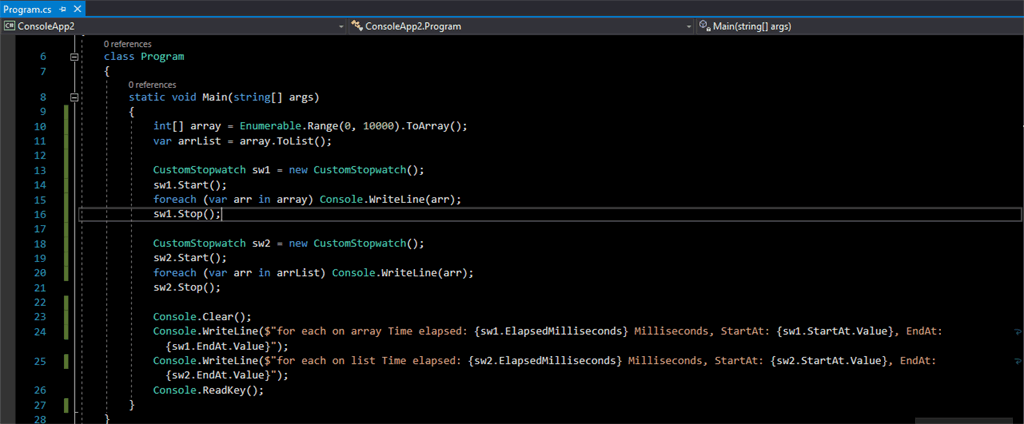
點擊圖片放大
運行以毫秒為單位查看輸出和執行時間。

在這里,列舉(List)中的 foreach 循環更快。
while循環
我們再比較列舉(List)和數組(Array)上的 while 循環。
using System;
using System.Linq;

namespace ConsoleApp2
{
    class Program
    {
        static void Main(string[] args)
        {
            int[] array = Enumerable.Range(0, 10000).ToArray();
            var arrList = array.ToList();

            CustomStopwatch sw1 = new CustomStopwatch();
            sw1.Start();
            int i = 0;
            while (i != array.Length) Console.WriteLine(array[i++]);
            sw1.Stop();

            CustomStopwatch sw2 = new CustomStopwatch();
            sw2.Start();
            i = 0;
            while (i != arrList.Count) Console.WriteLine(arrList[i++]);
            sw2.Stop();

            Console.Clear();
            Console.WriteLine($"while on array Time elapsed: {sw1.ElapsedMilliseconds} Milliseconds, StartAt: {sw1.StartAt.Value}, EndAt: {sw1.EndAt.Value}");
            Console.WriteLine($"while on list Time elapsed: {sw2.ElapsedMilliseconds} Milliseconds, StartAt: {sw2.StartAt.Value}, EndAt: {sw2.EndAt.Value}");
            Console.ReadKey();
        }
    }
}
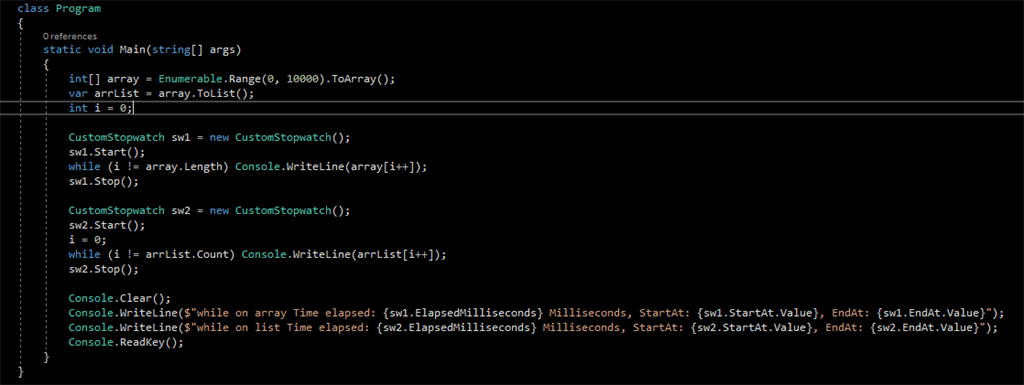
點擊圖片放大
while 循環的輸出如下。

列舉(List)上的while循環更快。
對比for、foreach和while速度
最后我們對比一下for、foreach和while循環的執行時間。
| 數組(Array) | 列舉(List) | |
|---|---|---|
| for | 663 ms | 472 ms |
| foreach | 3841 ms | 498 ms |
| while | 3950 ms | 460 ms |
可以看到,在數組里,for的速度是最快的,比其他的循環方法快了5倍那么多。但在列舉里,各種循環方法的速度幾乎無差異。
結論
本文涵蓋數組(Array)和列舉(List)上的 for、foreach 和 while 循環的速度比較。根據測試結果(在迭代方面),列舉(List)上的循環速度更快。我認為這取決于數據和你使用數據的方式。我個人的建議是,出于以下原因,我們應該使用列表而不是數組。
- 在數組中,我們需要知道數組大小,我們不能更改數組大小,列舉在創建后可以增長。
- 在列舉中,我們不需要擔心列舉大小或索引越界異常。
- 列舉提供了許多有用的方法,如添加、查找等。
- 易于閱讀。
相關文章